With custom connectors, we can utilize existing REST API services or create new APIs to expose complex server-side operations that are not available with the out-of-the-box connectors. In this case, we’re dealing with a middle-tier architecture where Power Apps is used as a UI layer. This architecture also offers flexibility. In general, as the complexity of the app increases, you should strongly consider this type of architecture. When multiple data sources are needed to build a single view in that case we can use an API layer to deliver a performant experience, because the data response can be shaped server-side and delivered to the client more efficiently. The use of this middle-tier layer means that you can add a server-side caching layer and implement richer telemetry for the app. Let’s create a Canvas App with custom REST API connector –
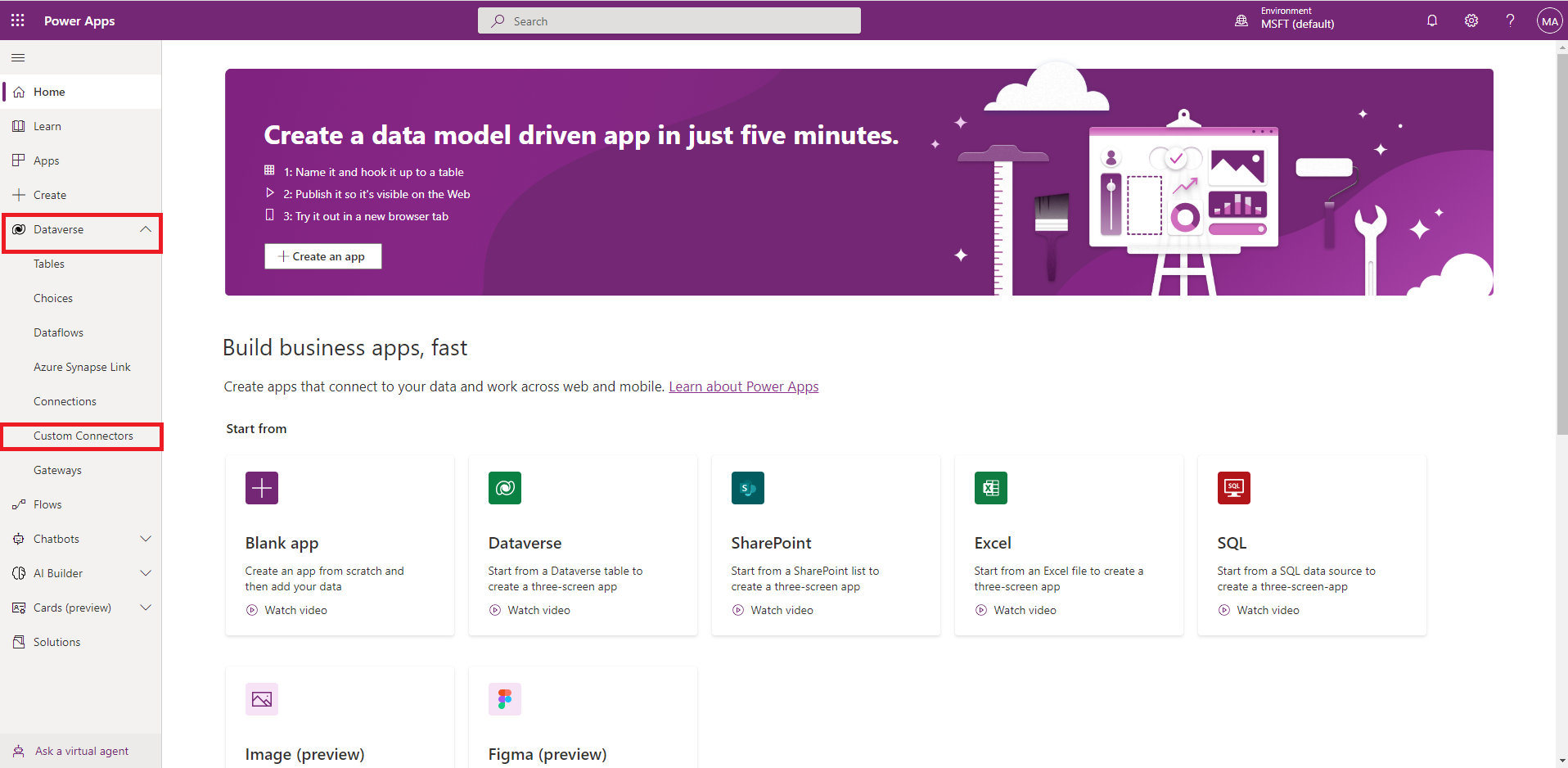
1. From Power Apps home expand Dataverse
2. Select Country/Region and Get started
3. From top right expand new custom connector, From available options we will select ‘Create from blank’ option. But we can import postman collection, swagger json and so on.
give a name and continue…
4. In general section select Schema and provide base URL
5. From Security section expand authentication options and select authentication type
6. In defination section provide the required information then click on ‘Import from sample’ then provide the full URL and click on ‘Import’
Next scrool down and click on ‘Add default response’, provide the example response data then click on import
7. Skip the Code(Preview) , Keep it as it is. Click on ‘Create connector’ before moving to ‘Test’ section.
8. Now select the an operation then clieck on ‘Test operation’
Our connector is ready, Now we will move to next section, Build a Canvas App
9. From Home click on ‘Create’ then Blank App
10. Now select Blank Canvas App -> click on ‘Create’ -> Give a name then click on ‘Create’ again
11. Click on Data icon then select ‘CustomRestApiConnector’ as data source
12. Now insert a Button controll inside the container. Then select the button and write following function on OnSelect action:
13. Now insert a Gallary controll inside the container. Then select datasource
14. Run the app and click on ‘Load Data’ –
Yes, our app is running and fetching data from the API.