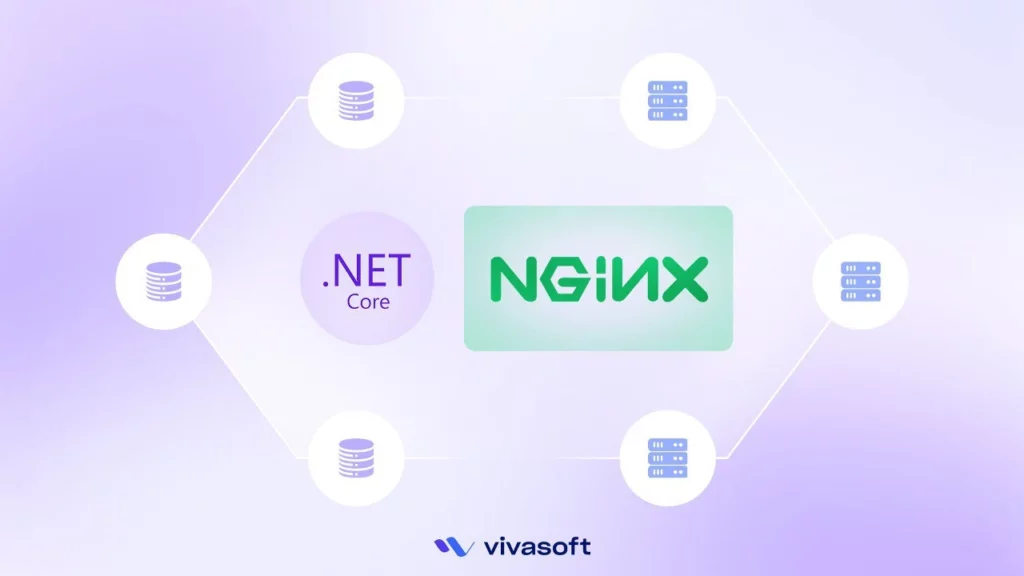
In this blog, we will learn how to develop a load balancer using YARP Reverse Proxy. Before starting the project, there are a few things we need to know:
| Topics To know Before: | Load Balancer Basics, Yarp Reverse Proxy |
| Development Tools: | VS 2022 |
| .Net Version: | 8.0 |
| Nuget Packages (Unit Test): | Yarp.ReverseProxy |
Now we will follow the below steps:
- In this step we create an Asp.Net Core Web API project (LoadBalancerWebAPI). Then we create an api e.g: WeatherForecast. We pass the url through the response of that API to be sure that from which resource it’s coming. It’s just for the test purpose. Now we will create a load balancer for this API project.
- In this step We create another Asp.Net Core web API project (YarpLoadBalacer) and install Yarp.ReverseProxy Nuget package on it. This project is the Load Balancer.
LoadBalancerWebAPI
We will implement our load balancer over this API project.

WeatherForecast.cs: It’s the Weather Forecast data model.
					namespace LoadBalancerWebAPI.Models
{
    public class WeatherForecast
    {
        public DateOnly Date { get; set; }

        public int TemperatureC { get; set; }

        public int TemperatureF => 32 + (int)(TemperatureC / 0.5556);

        public string? Summary { get; set; }
    }
}
ResponseViewModel.cs: It’s the response view model.
					namespace LoadBalancerWebAPI.Models
{
    public class ResponseViewModel
    {
        public string ActulalServerUrl { get; set; }
        public List<WeatherForecast> Forecasts { get; set; }
    }
}
WeatherForecastController.cs: It’s the Weather Forecast API Controller.
					using LoadBalancerWebAPI.Models;
using Microsoft.AspNetCore.Http.Extensions;
using Microsoft.AspNetCore.Mvc;

namespace LoadBalancerWebAPI.Controllers
{
    [ApiController]
    [Route("[controller]")]
    public class WeatherForecastController : ControllerBase
    {
        private static readonly string[] Summaries = new[]
        {
            "Freezing", "Bracing", "Chilly", "Cool", "Mild", "Warm", "Balmy", "Hot", "Sweltering", "Scorching"
        };

        private readonly ILogger<WeatherForecastController> _logger;
        private readonly IHttpContextAccessor _contextAccessor;

        public WeatherForecastController(ILogger<WeatherForecastController> logger, IHttpContextAccessor contextAccessor)
        {
            _logger = logger;
            _contextAccessor = contextAccessor;
        }

        [HttpGet(Name = "GetWeatherForecast")]
        public ResponseViewModel Get()
        {
            return new ResponseViewModel(){
                Forecasts = Enumerable.Range(1, 5).Select(index => new WeatherForecast
                {
                    Date = DateOnly.FromDateTime(DateTime.Now.AddDays(index)),
                    TemperatureC = Random.Shared.Next(-20, 55),
                    Summary = Summaries[Random.Shared.Next(Summaries.Length)]
                }).ToList(),
                 ActulalServerUrl = _contextAccessor.HttpContext.Request.GetDisplayUrl()
            };


        }
    }
}
Note: In launch setting’s profile section I added two different links to run multiple instances of same API parallel. Normally in real cases these different instances will be run from different resources or servers.
Also there can be more than two instances in a real scenario. But, We use only two instances to explain it.

YarpLoadBalacer
Program.cs: Here we register our reverse proxy settings.
					var builder = WebApplication.CreateBuilder(args);


builder.Services.AddControllers();
builder.Services.AddEndpointsApiExplorer();
builder.Services.AddSwaggerGen();


builder.Services.AddReverseProxy().LoadFromConfig(
    builder.Configuration.GetSection("ReverseProxy"));   ///load reverse proxy settings from appsettings

builder.Services.AddHealthChecks();  //added health checks


//for cors

var MyAllowSpecificOrigins = "_myAllowSpecificOrigins";

builder.Services.AddCors(options =>
{
    options.AddPolicy(name: MyAllowSpecificOrigins,
                      policy =>
                      {
                          policy.AllowAnyOrigin().AllowAnyHeader().AllowAnyMethod();
                      });
});


//for cors

var app = builder.Build();


if (app.Environment.IsDevelopment())
{
    app.UseSwagger();
    app.UseSwaggerUI();
}

app.UseHttpsRedirection();

app.UseCors(MyAllowSpecificOrigins);

app.UseAuthorization();

app.MapControllers();


app.MapReverseProxy();  ///map the reverse proxy

app.MapHealthChecks("health"); //map health checker

app.Run();
App Settings For Reverse Proxy
					  "ReverseProxy": {
    "Routes": {
      "LoadBalancerRoute": {
        "ClusterId": "LoadBalancer-cluster1",
        "Match": {
          "Host": "localhost",
          "Path": "/{**catchall}"
        }
      }
    },
    ///You can add one more URLs from different resources(servers/vms).
    "Clusters": {
      "LoadBalancer-cluster1": {
        "LoadBalancingPolicy": "RoundRobin", //for round robin scheduling
        "Destinations": {
          "destination1": {
            "Address": "http://localhost:5190/" ///your api URL 1
          },
          "destination2": {
            "Address": "http://localhost:5191" ///your api URL 2 ......so on
          }
        }
      }
    }
    ///You can add one more URLs from different resources(servers/vms).
Here we are using round robin scheduling for multiple instances of our API. You can Configure
More things whatever you need. Just have a look at: Follow.
When We Run the Projects:
Our Load Balancer Run on the URL: http://localhost:5041 in http profile and when we just try http://localhost:5041/WeatherForecast in browser one more times We will see the code is working.


Note: Actual server url swapping in each call.
If you face any challenges implementing .NET Core project we’re here to help. Hire Dedicated .NET Developers for Your Project from Vivasoft.
Our experts will deliver high-quality, efficient solutions tailored to your project’s needs
Contact us today to discuss your needs and let us deliver the best support for your project.