Mobile app development frameworks are likely changing the way of traditional app development through pre-built code libraries and reusable UI components. Businesses are highly prioritizing these frameworks to speed up the entire development process and ensure faster time-to-market.
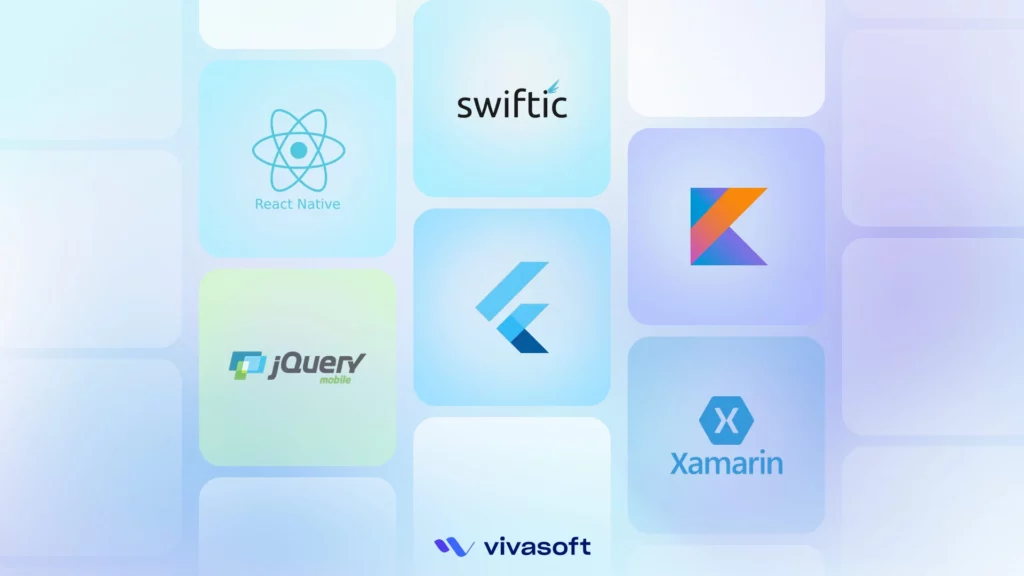
Instead of coding every button and interface, frameworks offer ready-to-integrate components that ensure performance and reliability. Flutter, React Native, and Swiftic are leading the market and help businesses deliver robust apps faster. A recent survey shows that around 46% of developers use Flutter, while about 35% prefer React Native. There are other frameworks in the following list that provide high-performing and cost-effective mobile solutions.
Here we have added the best frameworks for app development based on:
- Active developer communities with a wide range of plugins available.
- Used in real-world apps by leading global companies, including Fortune 500 companies.
- Supports both cross-platform and native application development.
- Well-framed and exclusively reviewed on GitHub for consistent UI and modern development pipelines.
Key Takeaways
- Modern frameworks simplify the app development process by offering a single codebase for Android, iOS, and web, which speeds up the delivery.
- Frameworks are evolving with AI-powered coding tools and enhanced AR/VR integrations.
- Cross-platform options are great for MVPs and startups, where native frameworks are better for developing enterprise-grade apps.
What is a Mobile App Development Framework?
A mobile app development framework is a ready-made structure for building mobile apps. It offers tools, libraries, and components that speed up development. Additionally, a framework facilitates app creation across multiple platforms, including Android and iOS. So, developers can save time and cost.
What are the Types of Mobile App Development Frameworks?
There are three main types of mobile app development frameworks: Native App Frameworks, Cross-Platform Frameworks, and Hybrid Frameworks. Here are some details about the types of mobile app development frameworks.
- Native App Frameworks: A native framework means you’re building an app using tools and languages made specifically for an individual platform. Native means direct access. No translation layers, no extra rendering engine. Your code tells the OS what to do. That gives you tight control over the device.
- Cross-Platform Frameworks: Cross-platform frameworks let developers write one codebase and deploy it across Android and iOS, sometimes even web and desktop. Different technologies tackle this in different ways.
- Hybrid Frameworks: Hybrid frameworks build mobile apps using web technologies like HTML, CSS, and JavaScript, but they wrap the app inside a native container, usually a WebView. So, essentially, you’re running a web app inside a mobile shell.
Top 10 Best Mobile App Development Frameworks in 2025
Explore top frameworks that highly impact the overall app development speed and its maintenance costs. Here, we have listed 10 of the best mobile app frameworks that will help you reduce cross-platform development complexity and offer faster delivery.
| Rank | Framework Name | Developed By | Type | Key Features |
|---|---|---|---|---|
| 1 | Flutter | Cross-platform | Hot reload, native performance | |
| 2 | React Native | Meta | Cross-platform | JS + React, reusable components |
| 3 | Xamarin | Microsoft | Cross-platform (native) | .NET-based, enterprise-grade |
| 4 | Ionic | Max Lynch and Ben Sperry | Hybrid | HTML/CSS/JS, PWA-ready |
| 5 | Swiftic | Apple | Native (iOS) | Fast, safe, modern language |
| 6 | Apache Cordova | Nitobi | Hybrid | HTML5, plugin library |
| 7 | NativeScript | Telerik | Cross-platform | Angular/Vue support, API access |
| 8 | jQuery Mobile | jQuery project team | Hybrid | Touch-Optimized UI Widgets, HTML5 data-role attributes |
| 9 | Kotlin Multiplatform | JetBrains | Cross-platform framework | Shared Kotlin code, native UI on each platform |
| 10 | Onsen UI | Asial Corp | Hybrid | Auto-styled UI for iOS & Android |
1. Flutter
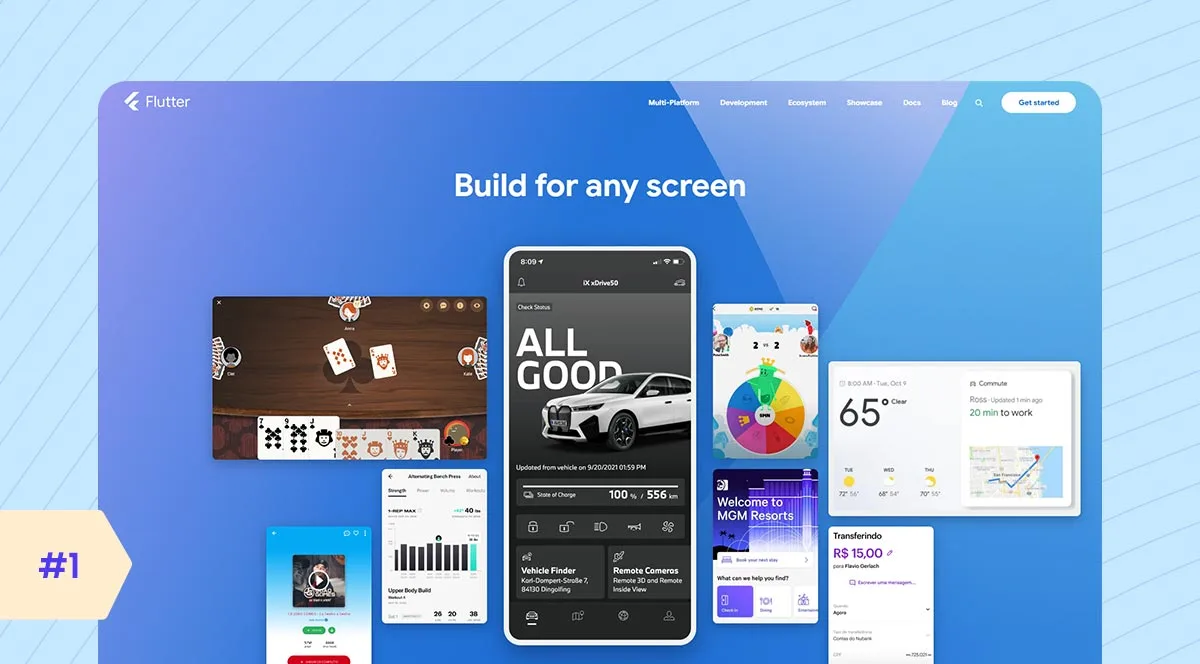
Flutter was introduced by Google in 2017, but its roots go back earlier with Dart (the language Google developed to be fast, productive, and optimized for UI). Flutter isn’t just another cross-platform toolkit, it’s a UI toolkit that compiles to native ARM code, with its own rendering engine. Dart VM or AOT-compiled native code directly controls rendering and gestures, leading to super smooth animations and very high performance. This is why Flutter app development companies rely on it for building high-performance, AI-focused apps that demand native speed and dynamic UIs.
Top Features
- Single Codebase for Multiple Platforms
- Beautiful and Customizable UI
- High Performance
- Strong Community and Ecosystem
- Open Source and Backed by Google
- Supports Web and Desktop
Key Considerations
- Development Time: It’s fast. One codebase for Android and iOS. Hot reload means no waiting around. You tweak, you see it. That’s a big time-saver, especially during prototyping.
- Community and Support: It’s solid and growing. You’ve got good docs, helpful devs, and plenty of plugins.
- Integration: For common features, Flutter’s got you covered smoothly. But if you’re doing something deep like custom sensors or hardware, you’ll probably touch native code.
- Scalability: For small to mid-size apps, no problem. Big apps? You need structure. Without good architecture, things can get messy fast.
- Maintenance: One codebase means one fix. You patch it once, and it works across platforms.
Pros & Cons
| Pros | Cons |
|---|---|
| Fast development with hot reload | App size may be large |
| One codebase for multiple platforms | Still evolving for web and desktop |
| Highly customizable UIs | Limited support for native SDKs out-of-the-box |
| Near-native performance | |
| Strong community and documentation |
Ideal Use Case
- Startups building consumer apps
- Enterprises creating fintech apps
- Media and entertainment apps
- Multi-platform internal business tools
- Projects needing high-quality UI/UX
- Fast cross-platform app development
Popular App
- Google Ads
- Google Pay
- SpaceX app
- iRobot
2. React Native
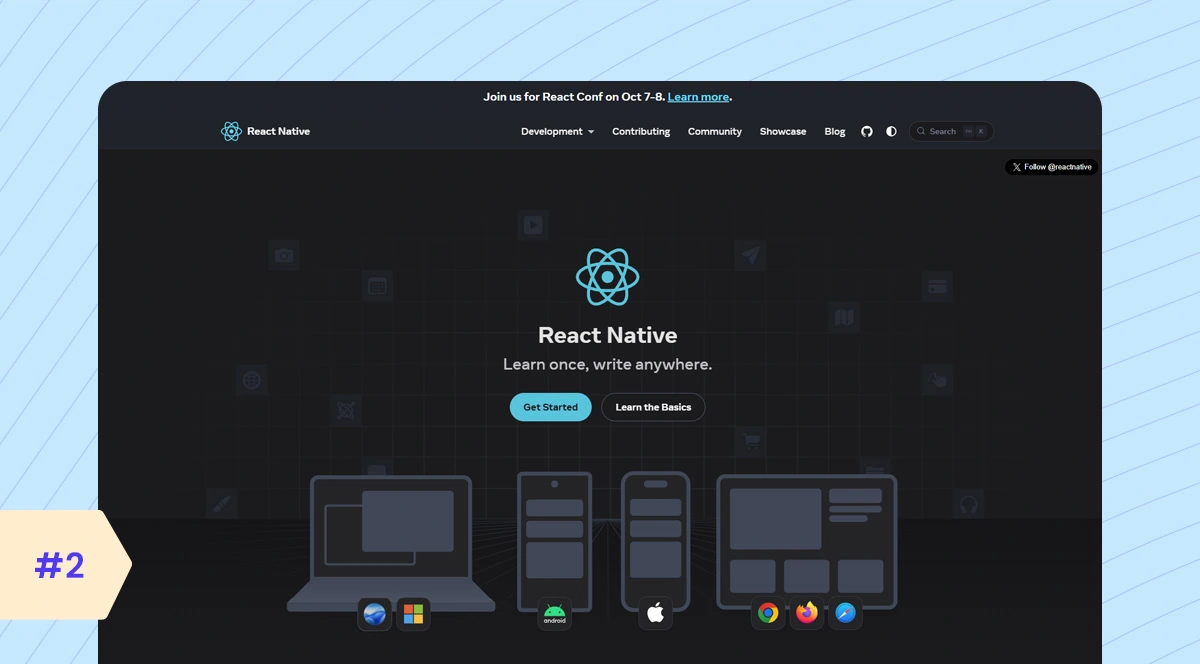
React Native was launched by Facebook in 2015 as an evolution of React, aimed at mobile. The core idea? Use JavaScript and React’s declarative UI paradigm to build native mobile apps. But unlike web React, which renders HTML, the React Native mobile app framework renders native components like UIView or Android’s View. This is not a web app inside a WebView. It’s a native app with a JavaScript runtime driving it. The JavaScript code runs on a separate thread and communicates with native UI threads via the bridge, which is a serialized message queue. React Native is a versatile and practical platform for AI apps that rely on cloud intelligence and interactive UIs.
Top Features
- Cross-platform development
- Hot Reloading
- JavaScript-based
- Native components
- Rich UI support
- Third-party plugin support
Key Considerations
- Development Time: It’s quick. You’re using JavaScript; most devs already know it. And you’re writing once for iOS and Android. Hot reload is solid, not perfect, but good enough to keep momentum.
- Community and Support: Massive. It’s been around for years, backed by Meta. If you hit a problem, someone’s already solved it or built a library for it.
- Integration: Basic integrations? Smooth. But deep native stuff? That’s where things get tricky. You’ll need native modules, maybe bridge code.
- Scalability: Large apps need a modular structure, splitting logic and managing performance. React Native can handle it, but you have to architect it right.
- Maintenance: It depends. One codebase means less duplication. But third-party libraries break. React Native upgrades can be painful. So maintenance is easier than native, but not maintenance-free.
Pros & Cons
| Pros | Cons |
|---|---|
| Write once, run on iOS and Android | Performance can be lower than pure native apps |
| Uses popular JavaScript | Some native features need extra work |
| Large community and lots of libraries | Debugging can be tricky sometimes |
| Fast development with hot reload | |
| Good for building complex apps |
Ideal Use Case
- Startups needing quick app development
- E-commerce consumer apps
- Social media apps
- On-demand service apps
- Projects valuing rich, interactive UIs and the JavaScript ecosystem
Popular App
- Skype
- Tesla
3. Xamarin
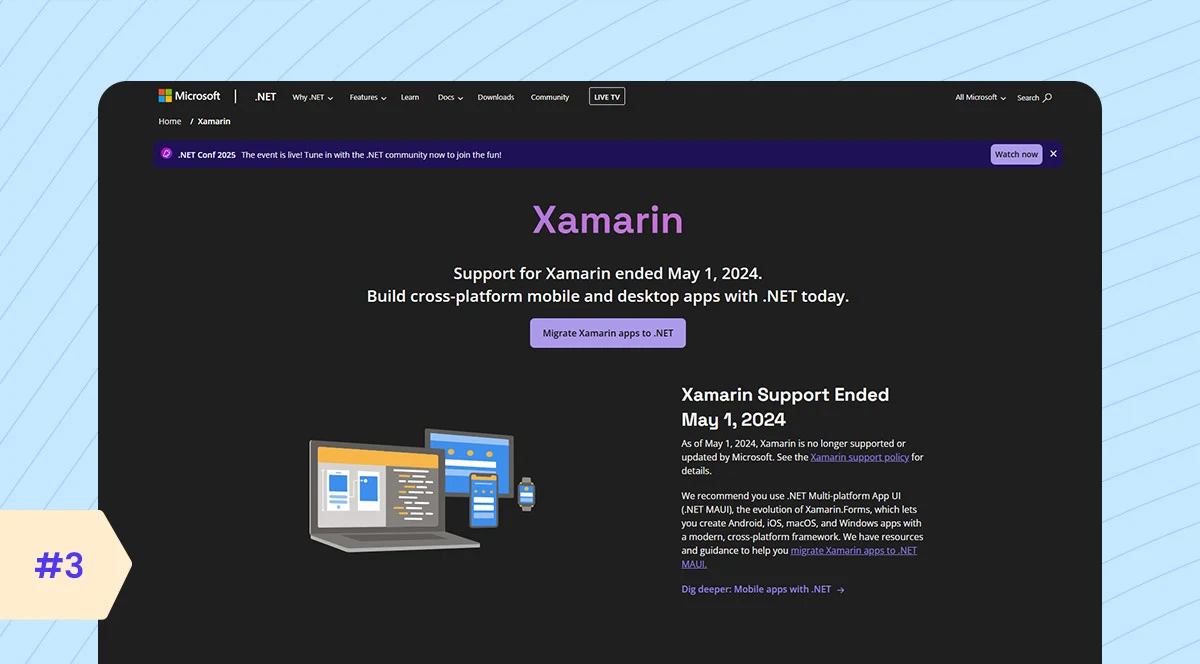
Xamarin is a Microsoft-supported framework that allows developers to build native Android, iOS, and even Windows apps using C# and .NET. Xamarin is not like Flutter or React Native, which use their own rendering engines. Xamarin binds directly to native APIs. When you write in C#, under the hood, it’s talking directly to Android and iOS SDKs. It supports AI-powered apps well through native bindings for on-device AI and robust .NET cloud API integration.
Top Features
- Single C# Codebase
- Native Performance
- Access to Native APIs
- Visual Studio Integration
- Supports .NET Ecosystem
- Shared Business Logic
Key Considerations
- Development Time: The development time of Xamarin is good, but not the fastest. You’re using C# and .NET, which is great if you’re already in that ecosystem. But setup and build time is not faster than Flutter or React Native.
- Community and Support: Xamarin has been around, but since Microsoft is focusing on .NET MAUI, it’s less popular now. You can still find help, but it’s not as active as other frameworks.
- Integration: Deep native access through bindings. Do you want platform-specific APIs? You get them. But it can get verbose and clunky, especially in Forms.
- Scalability: Xamarin is solid for enterprise apps. But again, managing complexity in large Xamarin. Forming projects takes work. MVVM helps, but the tooling isn’t always smooth.
- Maintenance: Mixed bag. One codebase helps, but library updates and platform changes sometimes lag. And with MAUI replacing Xamarin, long-term support? That’s a question mark.
Pros & Cons
| Pros | Cons |
|---|---|
| Share most code across iOS and Android | Larger app size |
| Uses C#, a popular language | Can have slower performance than native |
| Access to native APIs | Smaller community than some others |
| Good integration with Microsoft tools | |
| Strong support and updates |
Ideal Use Case
- Finance apps
- Healthcare apps
- Logistics and field service apps
- Manufacturing apps
- Retail apps
Popular App
- FreshDirect
- Olo
- Alaska Airlines
4. Ionic
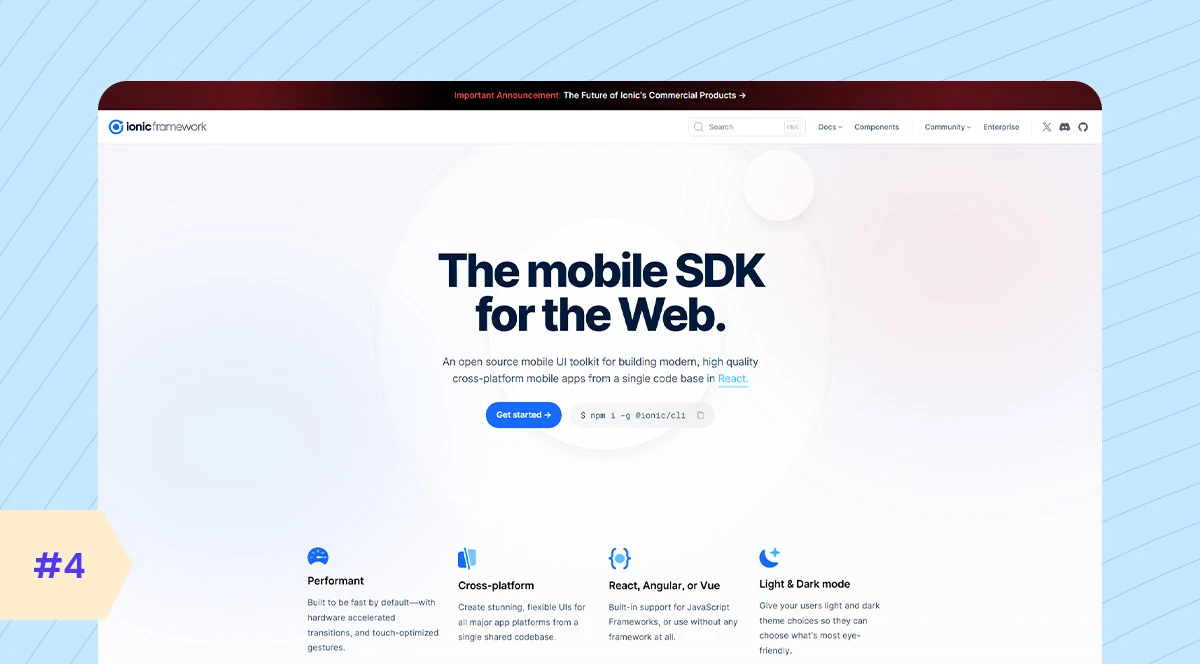
Ionic isn’t just a framework. It’s more of a UI toolkit and runtime environment that lets you build mobile apps using web tech like HTML, CSS, and JavaScript. Then run those apps on mobile devices using Capacitor or, previously, Cordova. And in 2025, Ionic is framework-agnostic. You can use React, Vue, Angular, or even plain JavaScript. Moreover, Ionic can target iOS, Android, AND Web from a single codebase, and that’s huge if you’re launching a multi-platform product on a tight budget. Ionic does not include built-in AI tools by design. However, it creates a strong foundation for developers to connect to AI services fast.
Top Features
- Cross-Platform
- Capacitor Plugin System
- Pre-built UI Components
- Open Source & Free
- Strong Community Support
- PWA Support
Key Considerations
- Development Time: It’s fast. You’re building with HTML, CSS, and JavaScript, so if you know the web, you’re in. Code once, deploy everywhere. But browser quirks can still slow you down.
- Community and Support: Solid. It’s been around for a while, has good docs, and has lots of web devs behind it. But keep in mind, it’s not as trendy as Flutter or React Native right now.
- Integration: For basic features, it’s fine. But deep native stuff? That’ll need Cordova or Capacitor plugins, and not all of them are reliable.
- Scalability: Works for small- to mid-size apps. You can go big, but performance might start to slip if you’re pushing too much UI or logic into that web layer.
- Maintenance: One codebase is great. And if you’re used to the web, updates feel natural. But keeping plugins up-to-date, especially native ones, can be a hassle.
Pros & Cons
| Pros | Cons |
|---|---|
| Easy for web developers | Slower than native apps |
| One code for many platforms | UI can feel less smooth |
| Big community and plugins | Depends on web view |
| Uses HTML, CSS, JavaScript | |
| Fast to build apps |
Ideal Use Case
- Retail and e-commerce mobile apps
- Enterprise internal tools
- Startups needing fast cross-platform apps
- Projects where web tech skills are key
- Apps requiring quick updates and iteration
Popular App
- JustWatch
- Sworkit
- ChefSteps
5. Swiftic
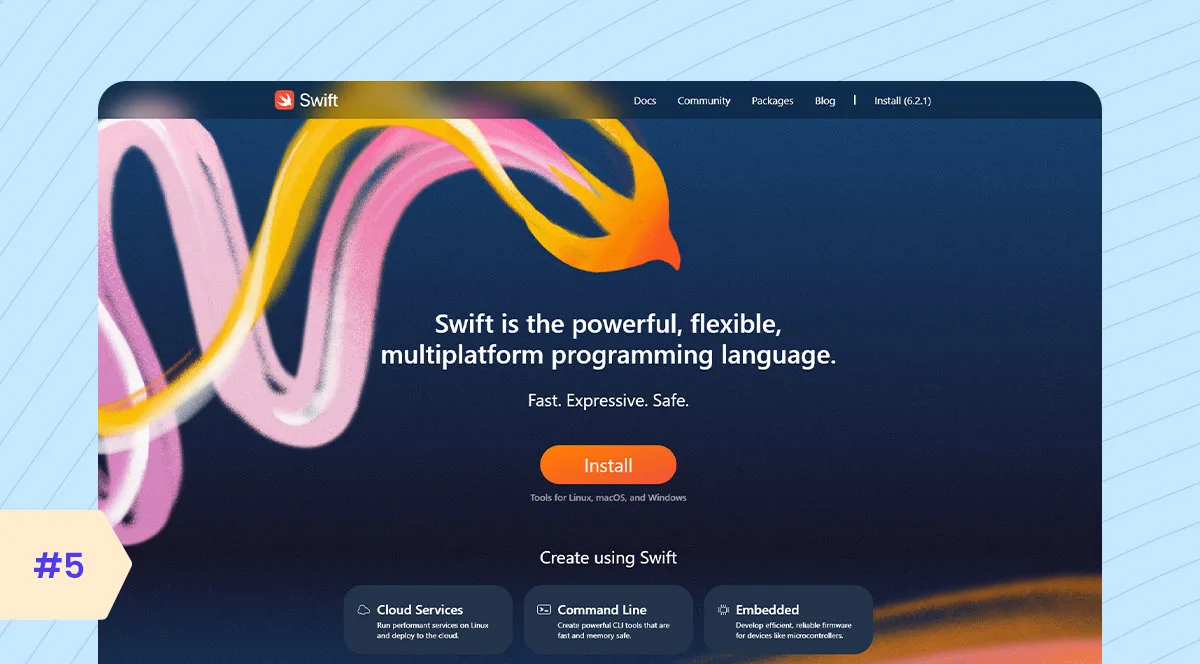
At its core, Swiftic, formerly known as Como, is a DIY app builder platform. It’s template-driven. You log in, pick your layout, plug in your business info, and drag-and-drop features like loyalty cards, menus, and appointment scheduling, and you’re off. It’s kind of like the Wix or Squarespace of mobile apps. You’re not writing a single line of code. It’s all wizard-style—configure, preview, publish. And to their credit, they even handle publishing to the App Store and Google Play for you. Swiftic doesn’t offer built-in AI blocks.
Top Features
- No-Code App Builder
- Easy Drag-and-Drop Interface
- Pre-Built Templates
- Push Notifications
- In-App Loyalty Programs
- Social Media Integration
- E-Commerce Support
- Real-Time Analytics
Key Considerations
- Development Time: Super fast. You’re dragging and dropping. It’s template-based, so you’re not writing code.
- Community and Support: Pretty limited. You’re not tapping into a big dev community here. Most support comes from the Swiftic team itself. Don’t expect Stack Overflow-level help.
- Integration: Basic integrations are baked in; think of e-commerce, loyalty cards, and push notifications. But what if you need deep third-party APIs or custom features? That can be a problem.
- Scalability: Not built for it. Swiftic works for small apps, local stores, personal brands, and stuff like that.
- Maintenance: Simple, but restricted. You’re tied to their platform. They handle updates, but you don’t get flexibility. If they don’t support a feature, you’re stuck.
Pros & Cons
| Pros | Cons |
|---|---|
| No coding needed | Limited design flexibility |
| Fast app creation | Can be expensive for advanced features |
| Good for small businesses | Limited control over app features |
| Built-in marketing tools | |
| Supports multiple app types |
Ideal Use Case
- Small restaurants need simple mobile apps
- Salons and spas requiring booking and loyalty features
- Local retail shops want low-cost e-commerce solutions
- Fitness studios managing classes and events
- Community groups organizing events and communication
- Any business needing fast, affordable mobile apps for basic tasks
Popular App
- Thousands of small businesses worldwide quickly launch branded mobile apps.
6. Apache Cordova
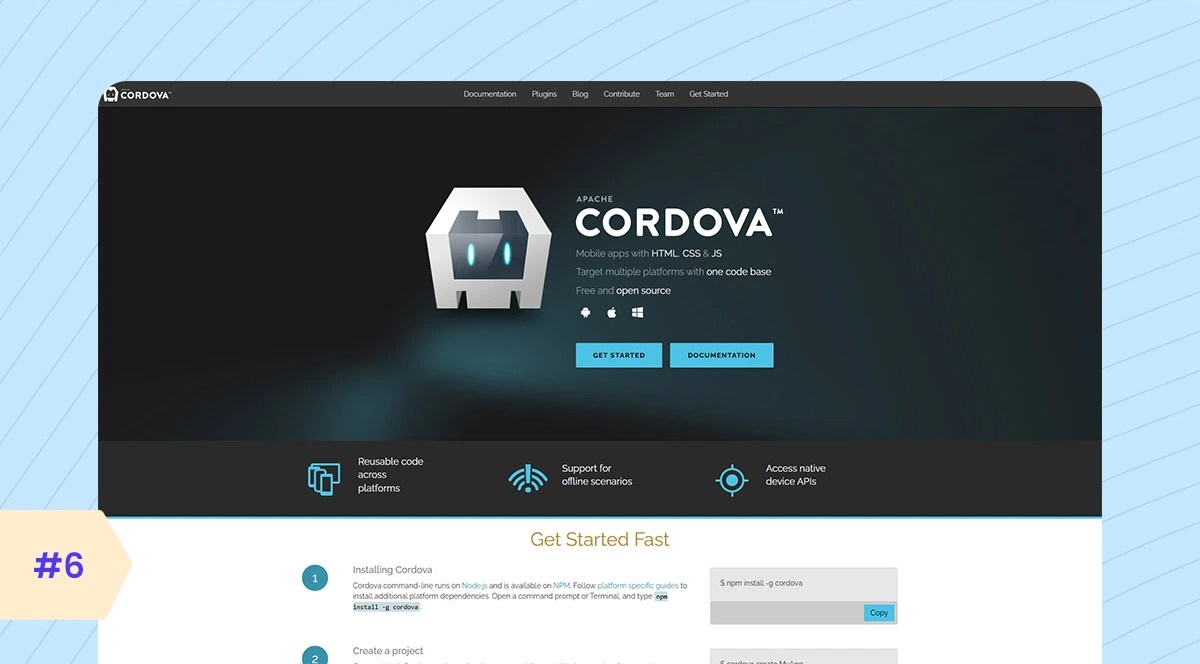
Cordova, originally known as PhoneGap before Adobe donated it to Apache, is fundamentally a hybrid mobile development framework. It allows developers to build mobile apps using web technologies and then wrap that web app inside a native container that runs on iOS, Android, Windows, you name it. Plus, Cordova’s plugin ecosystem is vast, covering almost every device feature imaginable, from camera to Bluetooth. Cordova doesn’t have built-in AI or machine learning tools.
Top Features
- WebView-based cross-platform container
- Unified JavaScript-to-native bridge
- CLI and build tools for multi-platform packaging
- Plugin architecture for extensibility
- Hot code push and live reload (via plugins)
- Web standards-based UI
Key Considerations
- Development Time: Fast, especially if you’re a web dev. You’re using HTML, CSS, and JavaScript and wrapping it for mobile. But once you need custom native features, that speed slows down.
- Community and Support: You need to be ready to troubleshoot or build your own. Docs still exist, but don’t expect much help when things break.
- Integration: Basic stuff works. Camera, GPS, and storage are handled through plugins. But many plugins are outdated or unsupported. You’ll spend time testing or fixing what should just work.
- Scalability: Not built for complex apps. You’re pushing a web app into a native shell. That’s fine for simple tools, but for heavy logic or smooth UI? It starts cracking.
- Maintenance: It’s a mixed bag. Easy to patch front-end stuff. But plugin issues and platform updates—that’s where things get messy. You’re constantly checking what still works.
Pros & Cons
| Pros | Cons |
|---|---|
| Easy to use for web devs | Limited native performance |
| Single codebase for many platforms | UI may feel less smooth than native apps |
| Large plugin ecosystem | Limited control over app features |
| Open-source and free | |
| Quick prototyping |
Ideal Use Case
- Internal enterprise tools
- Content-driven apps
- Rapid prototyping
- Simple customer-facing apps
Popular App
- TripCase
- Pacifica
- Sworkit
7. NativeScript
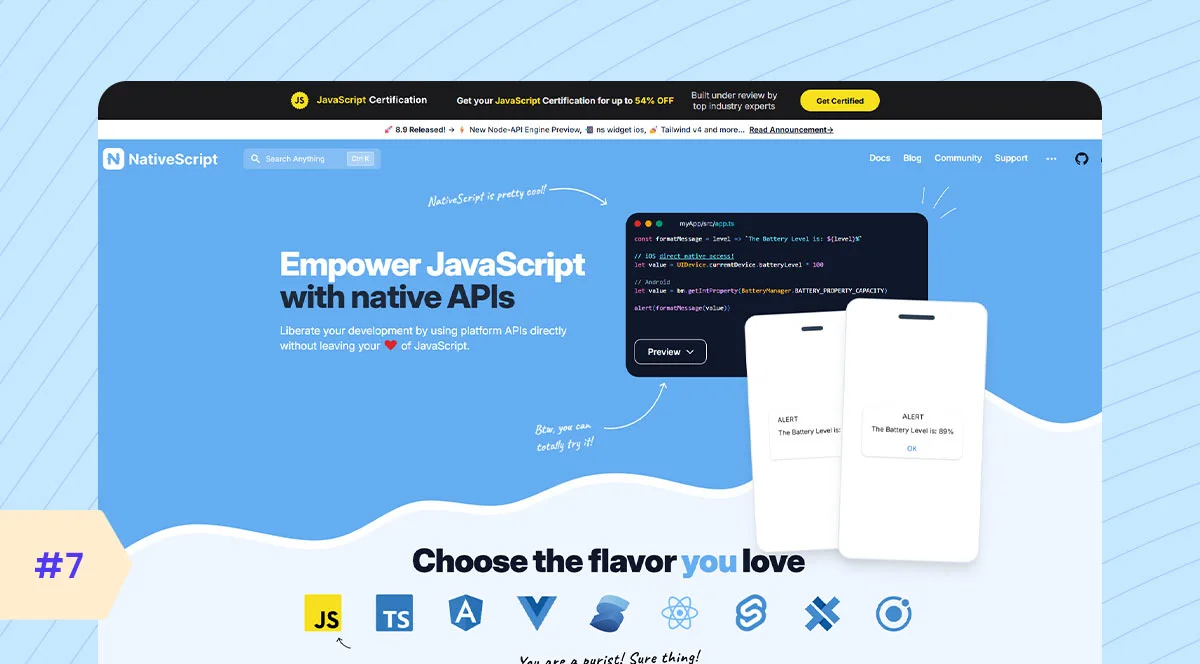
NativeScript is a cross-platform mobile development framework. NativeScript compiles your app to native iOS and Android components using JavaScript, TypeScript, or Angular/Vue. It doesn’t just wrap a web app. It bridges your JavaScript or TypeScript logic directly into native APIs like CLLocationManager, RecyclerView, or CameraX. NativeScript doesn’t use HTML or the DOM. Instead, you write in an XML-based syntax for UI layout, bind with JS or TypeScript, and under the hood, it translates that into real native views. No WebViews involved. NativeScript is AI-ready for professional developers seeking native power with JavaScript/TypeScript convenience.
Top Features
- True Native UI Rendering
- Single Codebase Using JavaScript, TypeScript, or Angular
- Direct Access to Native APIs
- Strong Support for Angular and Vue.js
- Hot Module Replacement for Faster Development
- Cross-Platform Compatibility (iOS and Android)
- Extensive Plugin Ecosystem
- Integration with Native SDKs
Key Considerations
- Development Time: Not the fastest, but decent. You’re using JavaScript or TypeScript, which helps. But the learning curve is steeper if you’re new to native app structure. And UI building? Not as smooth as Flutter or React Native.
- Community and Support: It’s small. like, really small compared to other frameworks. You’ll find resources, but updates are slower, and plugin support isn’t always reliable.
- Integration: Direct access to native APIs, no bridges. That’s powerful. But writing and debugging native-style code in JS? Not always smooth.
- Scalability: You can build large apps with it, but the tooling and ecosystem don’t always keep up. It works, but you’ll need discipline and probably some custom solutions along the way.
- Maintenance: One codebase helps, no doubt. But the smaller community and plugin gaps? That can make updates and long-term support a bit messy.
Pros & Cons
| Pros | Cons |
|---|---|
| Full access to native APIs | Steeper learning curve |
| Uses JavaScript/TypeScript | Smaller community than React Native |
| Single codebase for Android and iOS | Some plugins are less maintained |
| Good performance | |
| Supports Angular and Vue |
Ideal Use Case
- Enterprise field service apps
- Healthcare mobile solutions
- Logistics management apps
- Utilities management apps
- Retail point-of-sale (POS) systems
Popular App
- Expense Manager
- Daily Nanny
- TapSite
8. jQuery Mobile
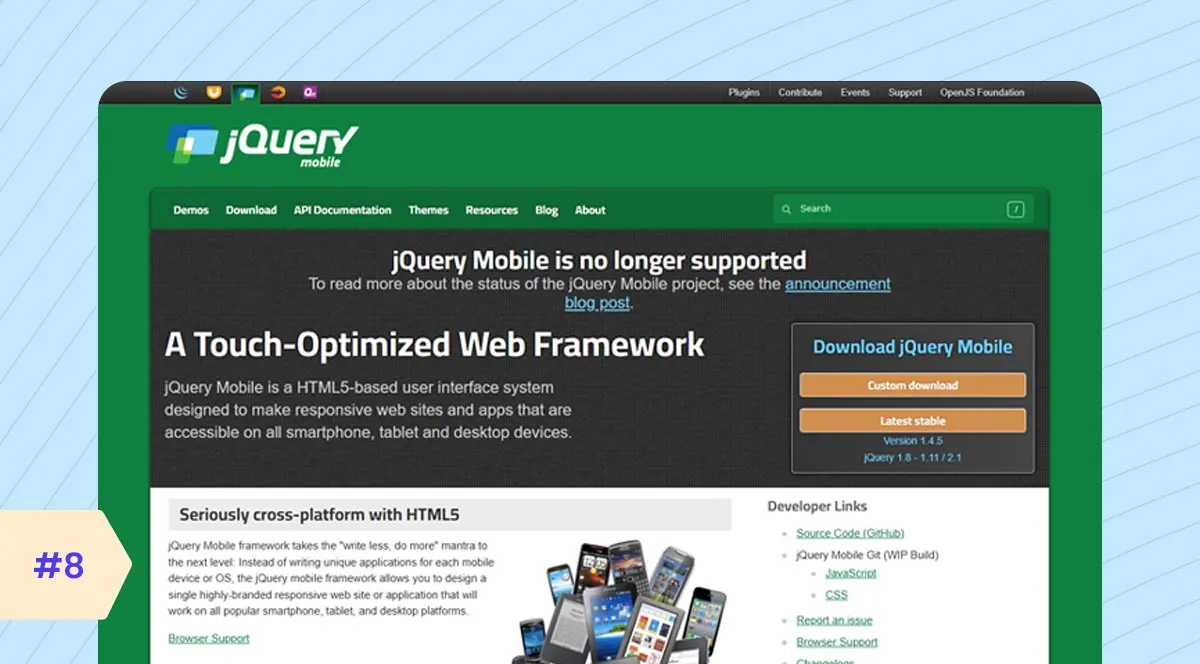
jQuery Mobile was introduced by the jQuery team in 2010, right at the dawn of the smartphone explosion. At its core, it’s a UI framework built on top of jQuery, aimed at enabling developers to create touch-optimized, responsive web apps that run on all devices. And what made it unique then was its progressive enhancement approach. Your app could degrade gracefully, meaning it still worked on low-end browsers, even in non-JS environments. That was massive back then, because not everyone had iPhones with Safari or Androids with Chrome. jQuery Mobile itself doesn’t have built-in tools or shortcuts for AI.
Top Features
- Cross-Platform Compatibility
- Touch-Optimized UI
- Theming Framework
- Lightweight and Fast
- HTML5-Based Markup
- Progressive Enhancement
- AJAX Navigation
- Accessibility Support
Key Considerations
- Development Time: If you’re building something basic, it’s quick. You’re using HTML, CSS, and jQuery—familiar stuff. But it feels dated. And performance? Not built for today’s app standards.
- Community and Support: It had its moment a decade ago. Now? Minimal updates, shrinking support, and not much conversation happening in the dev world.
- Integration: You’re working in the browser, so integration is limited to what JavaScript can handle. No real native API access.
- Scalability: Not ideal. Works for quick prototypes or simple apps. Try building anything large or dynamic? You’ll run into performance and UI limitations real quick.
- Maintenance: Tough call. The tech is old. You’ll spend more time fixing or patching than building. And compatibility with modern devices? Hit or miss.
Pros & Cons
| Pros | Cons |
|---|---|
| Easy to learn and use | Works on many devices |
| Fast app creation | Limited customizability |
| Well-documented but with a much smaller active community today. | Looks outdated compared to modern frameworks |
| Uses HTML5 and CSS3 | Not suitable for complex apps |
| Good for simple mobile sites |
Ideal Use Case
- Government forms & legacy web portals
- NGOs, digital inclusion, and low-spec phones
- Enterprise dashboard extensions
- Real-world dev realities
Popular App
- Used in many enterprise internal apps and lightweight mobile websites.
9. Kotlin Multiplatform
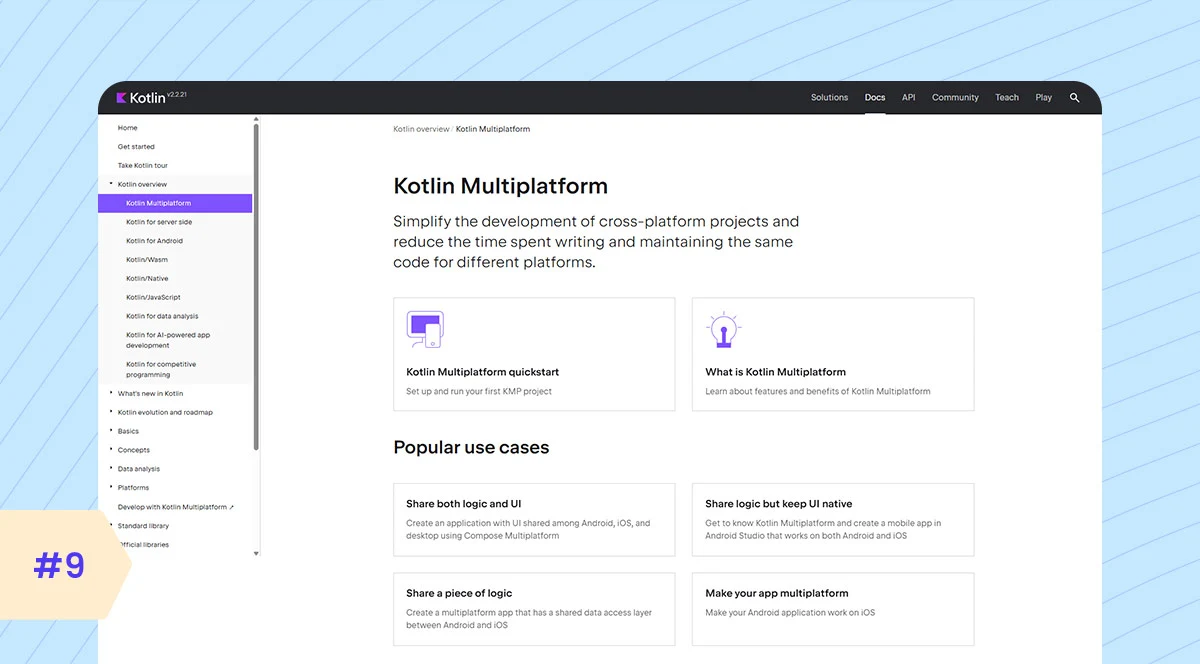
KMP is a code-sharing strategy, backed by JetBrains, where you write business logic once in Kotlin and then plug it into platform-specific UIs, iOS, Android, Web, and Desktop. Unlike Flutter or React Native, which abstract away native UIs, KMP respects platform-native rendering. You still write Swiftic or UIKit for iOS, Jetpack Compose for Android, and React for Web, but the shared layer handles logic, networking, DB, and algorithms. Though not a traditional framework, KMP is an important part of the ecosystem that complements the world of open-source mobile frameworks. Kotlin Multiplatform lets you share the main AI code across both Android and iOS apps. It runs almost as fast as native apps.
Top Features
- Shared Codebase for Multiple Platforms
- Native Performance
- Interoperability with Java and Swift
- Strong Type Safety
- Support for Android, iOS, Web, and Desktop
- Gradual Adoption (use alongside existing code)
- Multiplatform Libraries and APIs
- Growing Community and Tooling Support
Key Considerations
- Development Time: It’s not plug-and-play like Flutter. You share logic, not UI. So yeah, you still write separate UIs for Android and iOS. But for business logic? Huge time saver if you’re already in Kotlin.
- Community and Support: Still niche, but growing fast. JetBrains is behind it, which helps. Docs are solid, but real-world examples? Still limited. You’ll hit some rough edges.
- Integration: This is where it shines. It’s not a wrapper; you’re writing real Kotlin that compiles down and talks directly to native APIs.
- Scalability: Enterprise-friendly. You can build clean, layered architecture and share core logic across mobile, desktop, and even backend. But again, UIs are still on you.
- Maintenance: It’s manageable. One shared core means fewer bugs and duplicated logic. But keeping platform-specific UIs in sync? That still takes effort.
Pros & Cons
| Pros | Cons |
|---|---|
| Share code between Android and iOS | Still evolving, not fully mature |
| Uses Kotlin, modern and safe | Requires knowledge of native platforms too |
| Good performance (near native) | Smaller community than Flutter or React Native |
| Easy to integrate with existing apps | |
| Reduces development time |
Ideal Use Case
- Finance apps
- Healthcare apps
- Enterprise/business apps
- Media apps
Popular App
- Careem
- Cash App
- Xapo Bank
10. Onsen UI
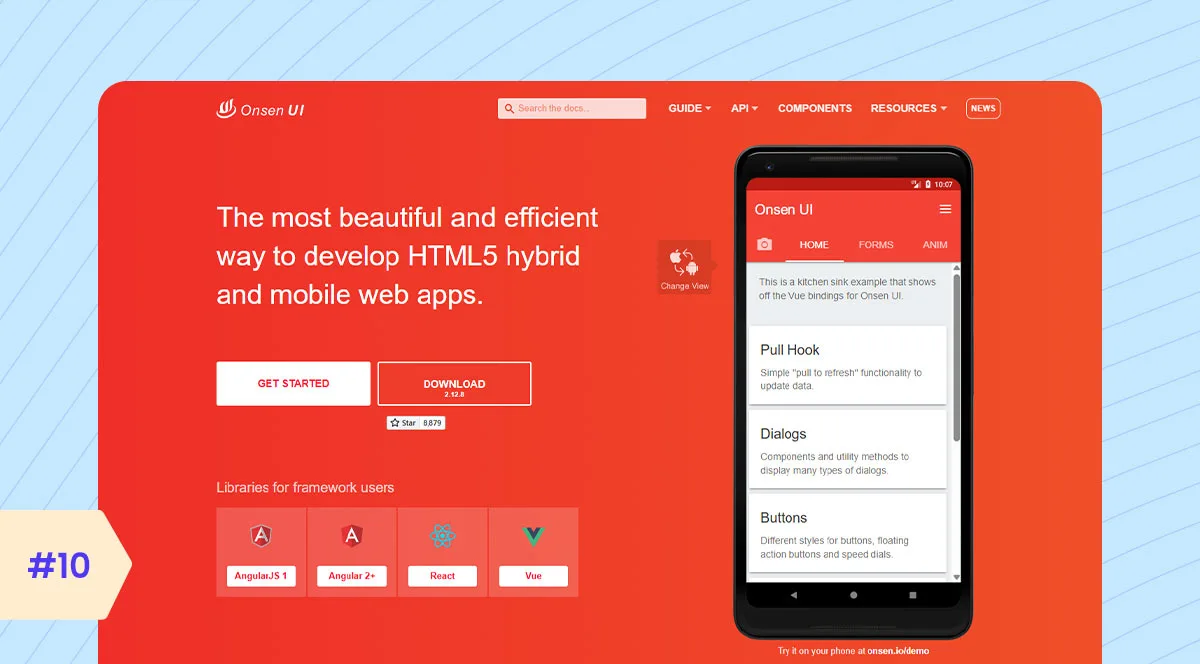
Onsen UI is a powerful framework for building hybrid and mobile web apps with native-like UI. Unlike many frameworks, it uses real Web Components, which improves performance across platforms. Its integration with Angular, Vue, and React allows flexible use. Developers trust it because it reduces UI code repetition significantly, making it a strong contender among the best frameworks for mobile development focused on hybrid apps. Also, it’s not natively AI-focused.
Top Features
- Open-source HTML5 framework
- Native-style UI components
- Platform-adaptive styling (iOS and Android)
- Works with Angular, React, Vue, and jQuery
- Web Components support
- Optimized mobile animations
- Responsive layout system
- Easy theme and style customization
- Integration with Cordova and PhoneGap
- Monaca IDE support for rapid development
Key Considerations
- Development Time: For rapid UI and standard native features, Onsen speeds things up, but for anything beyond, your timeline can balloon.
- Community and Support: You have to be prepared to dig into source code or build your own solutions occasionally.
- Integration: Onsen doesn’t manage business logic or state; that’s your framework’s domain. So integration is straightforward but requires solid front-end architecture.
- Scalability: Depends heavily on architecture. Since Onsen uses web components, your app’s performance hinges on efficient DOM updates, memory management, and state handling.
- Maintenance: The core UI components rarely have breaking changes. But you have to maintain your Cordova or Capacitor layers carefully, keeping them compatible with the latest OS versions.
Pros & Cons
| Pros | Cons |
|---|---|
| Ready-made UI components that mimic platform conventions | Runs inside a WebView (via Cordova or Capacitor). That means you’re limited by the performance ceiling of embedded browsers |
| Supports Angular, React, Vue, and even vanilla JS | It doesn’t provide native APIs; it relies on Cordova/Capacitor plugins |
| Core is fairly lightweight | The community isn’t as active as React Native’s or Flutter’s |
| The learning curve for experienced web devs is manageable |
Ideal Use Case
- Used in logistics firms for building internal inventory trackers, driver apps, and warehouse tools.
- In finance, insurance, and healthcare, internal tools often need to go mobile, but without the budget for native dev teams. Onsen UI fills that gap perfectly.
- Used to build student attendance trackers, quiz apps for teachers, and even hybrid apps for small e-learning startups.
Popular App
- Onsen Todo
- Onsen Jukebox
- Onsen Weather
What are the differences between top mobile app development frameworks?
When you’re looking at mobile app development frameworks, key differences lie in which platforms it supports, the programming language it uses, if it’s open-source, how well it integrates with AI tools, and so on.
| Framework | Platform | Language | AI Friendly | Best For | Popular Apps / Typical Use Cases |
|---|---|---|---|---|---|
| Flutter | iOS, Android | Dart | Yes | Fast UI Dev, Prototyping | Google Ads, BMW, SpaceX Go |
| React Native | iOS, Android | JavaScript | Yes | Startups, MVPs, JS-friendly apps | Instagram, Discord, Facebook Ads |
| Xamarin MAUI | iOS, Android, Windows, macOS | C# / .NET | Yes | Enterprise, Microsoft stack | OLO, Storyo |
| Ionic | iOS, Android, Web (PWA) | JavaScript / TypeScript | Partial | Hybrid apps, content-focused | MarketWatch, Sworkit, Amtrak |
| Swiftic | iOS | No-code / Low-code | Limited | Small business, quick app builds | Small business and individual entrepreneurs |
| Apache Cordova | iOS, Android | JavaScript, HTML, CSS | No | Content apps, internal tools | Legacy hybrid apps, internal enterprise apps |
| NativeScript | iOS, Android | JavaScript / TypeScript | Partial | Native access with JS/TS | MayMyPhotos, Enterprise mobile solutions |
| jQuery Mobile | Cross-platform (webviews) | JavaScript | No | Legacy apps, simple apps | Netflix (logic sharing), Cash App (shared codebases) |
| Kotlin Multiplatform | iOS, Android, Web, Desktop | Kotlin | Yes | Shared logic, enterprise, native UI | Untappd, Veev |
| Onsen UI | iOS, Android | JavaScript (Angular/React/Vue) | Limited | Hybrid apps, easy UI development | Small business apps, startups |
How to Choose the Best Mobile App Framework in 2025
You choose based on your app’s complexity, your team’s strengths, your budget, and how much you need native performance or AI features. There’s no universal ‘best,’ only the best fit for your unique needs.
Project size and scope
If you’re building a lightweight MVP, time-to-market matters more than deep native control. Flutter or React Native will serve you well. But for enterprise-level apps, say fintech or AR-heavy platforms, native performance, security, and hardware integration take priority. That’s where SwiftUI or Jetpack Compose shine.
Performance needs
Flutter compiles to native code, which is excellent for smooth UIs. React Native, with its new architecture, is catching up fast. But what if your app depends on low-latency camera processing, complex animations, or real-time media streaming? Native wins. Also, hybrid frameworks like Ionic or Cordova? Many recommend them for internal or content-based apps.
Budget
React Native and Flutter offer code-sharing, so they reduce initial cost. But you’ll still need platform-specific expertise eventually. On the other hand, Swiftic and Jetpack Compose need separate iOS/Android teams but give you tighter OS integration and performance.
In-house dev skill
If your dev team is experienced in React, lean into React Native. Web-first teams can adopt Capacitor or Ionic with minimal retraining. Flutter’s learning curve is reasonable, but you need Dart fluency. That said, hiring for Swiftic and Kotlin in 2025 is easier now than it was three years ago. Especially with native frameworks maturing fast.
AI/ML capabilities
If you’re embedding on-device models like CoreML or TensorFlow Lite, you’ll want native capabilities. iOS is incredibly optimized for ML now. For cloud-based AI features, chatbots, recommendation engines, etc. React Native and Flutter can handle it well via APIs. Also, new tools like Flutter AI DevTools or React AI Kit are helping simplify that integration.
Developer Trends and What Google/Apple Prefer
Apple’s clearly all-in on Swiftic-VisionOS support, better animations, and unified APIs. Google’s investing in Jetpack Compose and Flutter. Both offer more declarative UI, fewer bugs, and deeper ecosystem ties. If you want platform love, stick to what Apple and Google are building internally. And watch hiring trends. The rise of Kotlin Multiplatform, for instance, is a real signal.
Framework Selection Criteria
We mentioned top criteria to choose the best framework at a quick glance.
| Criteria | Why It Matters |
|---|---|
| Project size and scope | Helps you prioritize speed when focusing on MVPs. For larger, enterprise-grade apps, native frameworks often provide better stability. |
| Performance needs | This is important to determine how your app UI performs and handles the essential tasks like animation, streaming, or AR. |
| Budget | Through the budget estimation, you can choose between cross-platform frameworks as an affordable choice or a native development framework. It will be priced comparatively higher. |
| In-house dev skill | You can choose the development team skilled in a specific framework. The right team helps reduce errors and speed up delivery |
| AI/ML capabilities | It is important to determine if your app uses AI or machine learning features. Native frameworks work better for on-device AI, whereas cross-platform frameworks are effective in cloud-based platforms instead. |
| Developer Trends | By following the current developer trends, you make sure your app stays relevant and stable. |
Mobile App Development Framework Workflow
Modern frameworks streamline your entire mobile app development process. Here is the clear process that the developers follow:
- As for the first step, the development team sets project goals and establishes a single codebase targeting Android, iOS, and web platforms.
- The team then divides the framework into sprint cycles, each with clear deliverables and iterative reviews.
- During sprints, developers initially utilize modular UI components and widgets to test if they work across different screens and platforms.
- After building the components, teams configure automated pipelines and make plans for continuous integration.
- Throughout integration, the team runs system tests and finds any bugs and errors to fix earlier.
- Finally, the team deploys the application to app stores, enabling real-time monitoring tools to analyze real user experience.
Note: With Flutter, you can ensure pixel-perfect UI consistency and high-performance rendering. On the other hand, React Native is thriving with native components and quick iteration.
Cost of Mobile App Development Using Frameworks
The cost of app development varies depending on the framework types, development team, added features, and project complexity.
Here is the estimated mobile app development cost using frameworks:
| App Type | Average Development Time | Estimated Cost (USD) | Common Frameworks Used |
|---|---|---|---|
| Basic App | 2–3 months | $10,000 – $25,000 | Flutter, React Native |
| Medium App | 3–6 months | $25,000 – $60,000 | Flutter, React Native, Ionic |
| Complex App | 6–9 months | $60,000 – $120,000 | React Native, Flutter, Kotlin Multiplatform |
| Enterprise-Level App | 9–12+ months | $120,000 – $250,000+ | Swiftic, Jetpack Compose, Flutter |
Latest Trends and Role of AI in Mobile App Development Frameworks
The latest trends in mobile app development frameworks are mainly centered on cross-platform solutions, AI integration, 5G optimization, AR/VR capabilities, and many more. Even the market size is growing rapidly. It is expected to reach cross-platform growth to $179.58 billion by 2029 with a CAGR of 14.5%.
AI-Powered Development Tools
Frameworks are now including AI code assistants and intelligent debugging tools to make the development phase much faster. GitHub Copilot integrates directly into the IDEs that are used for React Native and Flutter development.
Improved AR/VR Capabilities
Frameworks are now thriving with new capabilities like AR/VR modules that offer better cross-platform compatibility. It helps developers build interactive and more visually rich mobile experiences.
The Rise of Hybrid Development
Though native app frameworks are always the favored choice over cross-platform frameworks, modern frameworks are closing the performance and quality gap. The rising use of the hybrid app framework offers the reliability of both frameworks.
App-as-a-Micro-Service or AaaMS
The mobile app development industry is shifting to microservice-based architecture. It offers faster releases and makes development more flexible.
Kotlin Multiplatform
This is the rising choice among developers that helps share the core app logic across platforms much more efficiently. Each platform even maintains the native UIs, speeding up the development and improving productivity.
Note: For the most advanced mobile apps, focus on the latest trends like AI-driven personalization and adaptive UI/UX frameworks that effectively adjust to user behavior and device.
Future Trends in Mobile App Frameworks
The demand for mobile app development frameworks is projected to grow at a compound annual growth rate of 16.8% from 2025 to 2032. Frameworks will evolve more with touchless UI interactions, 5G technology, quantum computing integration, cloud-native or serverless support, Progressive Web Apps, and many more.
Touchless UI interactions are impressively responsive to gestures and voice commands. Using the lightning-fast speeds and low latency of 5G networks, users will have more immersive experiences that are beyond even imagination. Future quantum computing integrations could offer ultra-fast processing and enhanced security, though this is still highly experimental.
Frameworks could eventually offer modules or APIs to tap into quantum processors. Also, businesses will be more likely to adopt Progressive Web Apps as they load fast, use less data, and work even when offline. It makes the apps easier to use on different devices.
Common Challenges & Solutions of Using Mobile App Development Frameworks
During the implementation of the frameworks, you may face specific technical challenges that will affect your user experience. Some of the most common ones include:
- Device Compatibility Issues: It often seems challenging to ensure a consistent performance across multiple devices with different screen sizes. Often, it affects the UI performance. So, it is better to test the app using cloud-based testing platforms and identify any compatibility issues.
- Native vs. Cross-Platform Trade-offs: Some of the app frameworks run a bit slower than apps that are made with native tools. Businesses struggle between native and cross-platform approaches as they need different tools and expertise. Set clear goals like native for performance and cross-platform for faster multi-platform delivery.
- Security Risks: Enterprise-grade apps face risks from cyberattacks and affect the protection of the sensitive users’ data. For this, use encryption and secure networks with strong authentication protocols.
- System Integration Complexity: Apps often need to integrate with cloud apps, CRM, or ERP systems. It can be complex and often cause errors. Plan integrations early to ensure smooth data flow.
Final Thoughts
The mobile app development frameworks are the backbone of modern cross-platform apps. They offer developing apps for both iOS and Android faster and more efficiently. Even the best framework will make your whole app development journey truly worthwhile.
With the strong support and regular updates, these frameworks create reliable and high-performance apps that scale. You will ensure reliable solutions that offer a superior user experience.
If you’re still confused about which framework is best suitable for your project, it is recommended to contact a skilled developer team. They will guide you through the process and help you make the right choice based on your project.
FAQs
What is the best mobile app development framework in 2025?
There is no single framework that can be defined as best, but Flutter is mostly popular for rich UI and fast performance. React Native is famous for large JavaScript and native performance. Kotlin Multiplatform and Swiftic are also effective for building efficient cross-platform apps.
Is Flutter better than React Native?
Both Flutter and React Native offer higher cross-platform app development. Flutter is often chosen for faster performance, pre-built widgets and easy-to-understand documentation. In contrast, React Native offers a larger community and is mostly popular for ensuring a native-like user experience.
Which frameworks are ideal for startups?
It overall depends on your project goals. If you want to build early MVPs, Flutter and React Native are ideal app development frameworks you can go with. Both offer superior cross-platform capabilities and rapid development speed.
Which framework offers the best performance?
Some of the top cross-platform app developers recommend Flutter, React Native, Xamarin, Swiftic, Ionic, Apache Cordova, jQuery Mobile, and so on. You have to choose the right one based on your project goals and feature requirements.
How to choose a framework for enterprise apps?
To have an appropriate framework for your enterprise-grade app, first, you have to define your project requirements. Evaluate your team’s expertise and scalability. Additionally, consider integration capabilities, long-term maintenance, and overall cost.