In web development, there are a few notable communication protocols that exist in the backend to notify changes to connected clients. All are used to cover, moreover, the same thing. But few of them are known, and few are unknown. Today I will talk about a WebSocket that is least used in development, but it is fast and the root of all!. It is full duplex, two-way communication between a client and a server over a single persistent connection. This contrasts with traditional HTTP, where each request-response cycle requires a new connection. WebSockets are ideal for real-time applications, as they allow servers to push data to clients without waiting for a client request.
I will demonstrate it using a .NET Core web API application. I hope you all know how to create a .NET Core web API application using Visual Studio. So I am not going to demonstrate it from scratch today, but I am focusing on how I can use it in existing applications and notify connected clients after any changes have been made.
1. Add WebSocket to the application
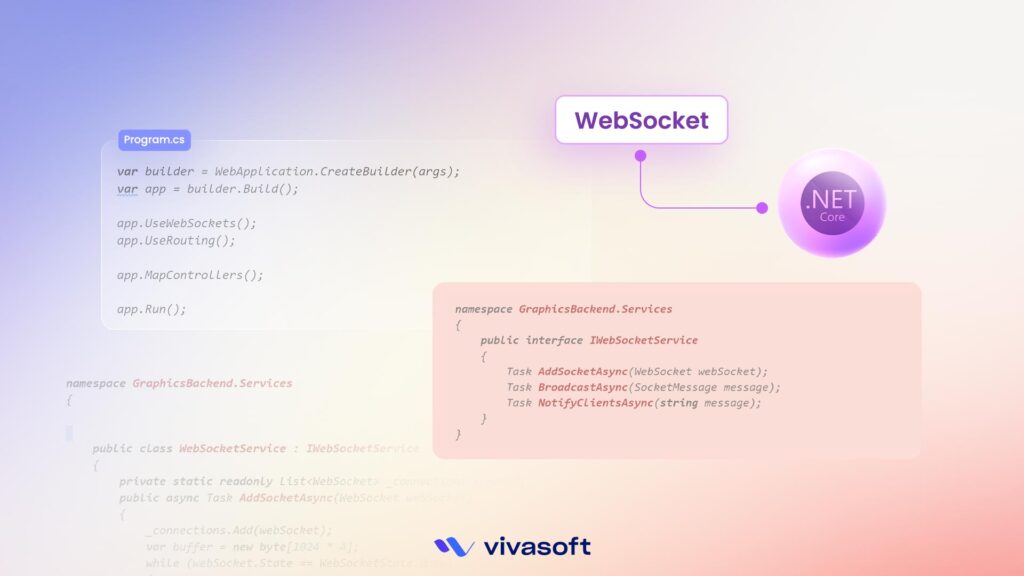
Modify your Program.cs to enable WebSockets.
					var builder = WebApplication.CreateBuilder(args);
var app = builder.Build();

app.UseWebSockets();
app.UseRouting();

app.MapControllers();

app.Run();
2. Create WebSocket Service
Create a service and interface to manage WebSocket connections.
					namespace GraphicsBackend.Services
{
    public interface IWebSocketService
    {
        Task AddSocketAsync(WebSocket webSocket);
        Task BroadcastAsync(SocketMessage message);
        Task NotifyClientsAsync(string message);
    }
}

namespace GraphicsBackend.Services
{

    public class WebSocketService : IWebSocketService
    {
        private static readonly List<WebSocket> _connections = new();
        public async Task AddSocketAsync(WebSocket webSocket)
        {
            _connections.Add(webSocket);
            var buffer = new byte[1024 * 4];
            while (webSocket.State == WebSocketState.Open)
            {
                var result = await webSocket.ReceiveAsync(new ArraySegment<byte>(buffer), CancellationToken.None);
                if (result.MessageType == WebSocketMessageType.Close)
                {
                    _connections.Remove(webSocket);
                    await webSocket.CloseAsync(WebSocketCloseStatus.NormalClosure, "Closed by client", CancellationToken.None);
                }
            }

        }
        public async Task NotifyClientsAsync(string message)
        {
            var tasks = _connections
            .Where(s => s != null && s.State == WebSocketState.Open)
            .Select(s => s.SendAsync(
                new ArraySegment<byte>(Encoding.UTF8.GetBytes(message)),
                WebSocketMessageType.Text, true, CancellationToken.None));

            await Task.WhenAll(tasks);
        }

        public async Task BroadcastAsync(SocketMessage message)
        {
            var serializedMessage = JsonConvert.SerializeObject(message);
            await NotifyClientsAsync(serializedMessage);
        }
    }
3. Create a WebSocket Controller
This controller will handle WebSocket connections.
					[Route("ws")]
[ApiController]
public class WebSocketController : ControllerBase
{
    private readonly IWebSocketService _webSocketService;

    public WebSocketController(IWebSocketService  webSocketService)
    {
        _webSocketService= webSocketService;
    }

    [HttpGet]
    public async Task Get()
    {
        if (HttpContext.WebSockets.IsWebSocketRequest)
        {
            using var webSocket = await HttpContext.WebSockets.AcceptWebSocketAsync();
            await _webSocketService.AddSocketAsync(webSocket);
        }
        else
        {
            HttpContext.Response.StatusCode = 400;
        }
    }
}
4. Inject WebSocketService into Services
					var builder = WebApplication.CreateBuilder(args);

builder.Services.AddSingleton<IWebSocketService,WebSocketService>();

var app = builder.Build();

app.UseWebSockets();
app.MapControllers();

app.Run();
5. Notify Clients of any Operations in the API action
					[Route("api/customers")]
[ApiController]
public class HomeController: ControllerBase
{
    private readonly IWebSocketService _webSocketService;

    public CustomerController(IWebSocketService  webSocketService)
    {
        _webSocketService= webSocketService;
    }

    [HttpPost]
    public async Task<IActionResult> Create([FromBody] Model model)
    {
        // Save customer to DB (your logic)

        // Notify clients
        await _webSocketService.NotifyClientsAsync("New model added!");

        return Ok();
    }
6. Connect from Frontend
Use JavaScript to listen for messages from the WebSocket.
					const socket = new WebSocket("ws://localhost:5000/ws");

socket.onmessage = function(event) {
    console.log("Notification received:", event.data);
};

socket.onopen = function() {
    console.log("WebSocket connected!");
};